All Aboard
The cruise companion appNever miss the ship.
All Aboard tracks ship time, sets a loud full-screen all-aboard alarm, and keeps your port itinerary and packing list one tap away — free, with no account and no paywall.


Free to download. iPhone, Android, and your watch.
One app from the gangway to the sunset deck.
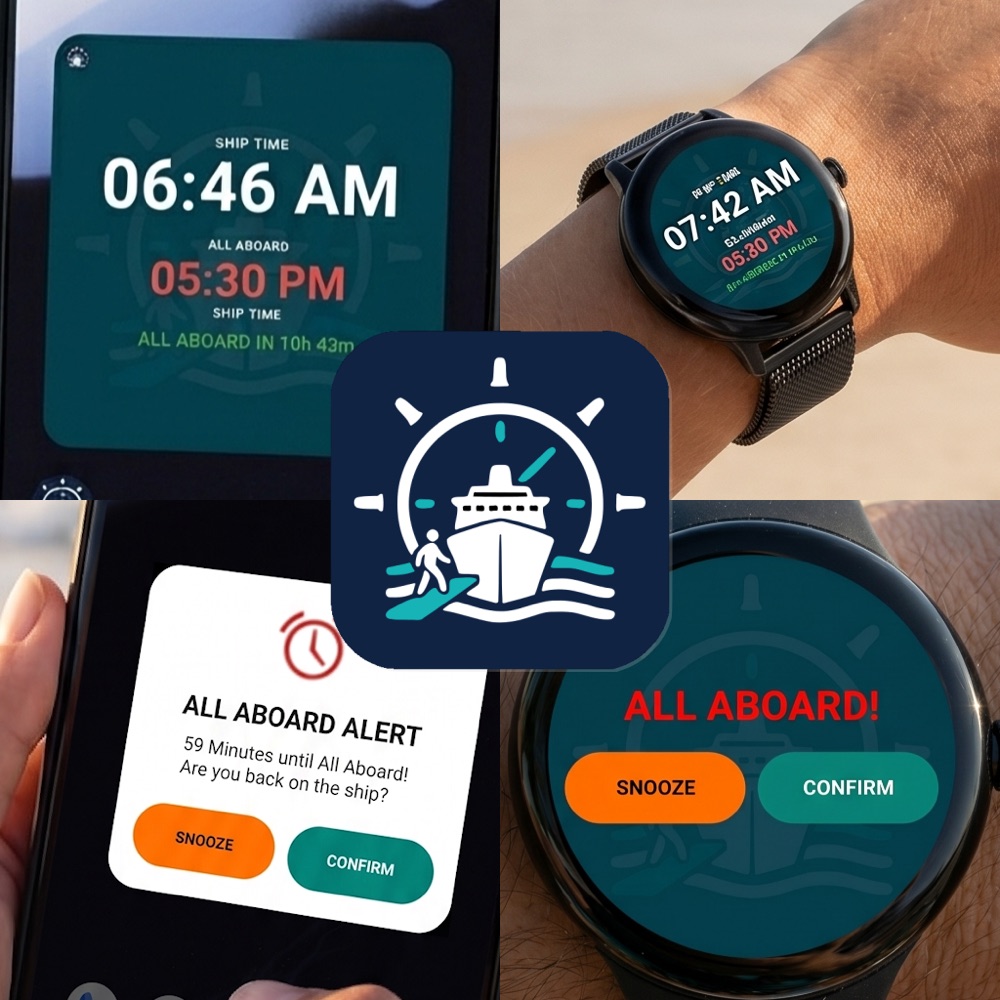
All Aboard handles the time, the deadline, and the details — so you can relax and enjoy the ship.
Ship time
Set a timezone offset so the app always shows the ship's time — never the time your phone grabbed at the last port.
Loud all-aboard alarm
A full-screen alarm — boat bell or horn, with vibration — that bypasses Do Not Disturb before the ship leaves.
Port by port
Embarkation, port days, sea days, and disembark — each with the all-aboard time shown in ship time.
Watch & widgets
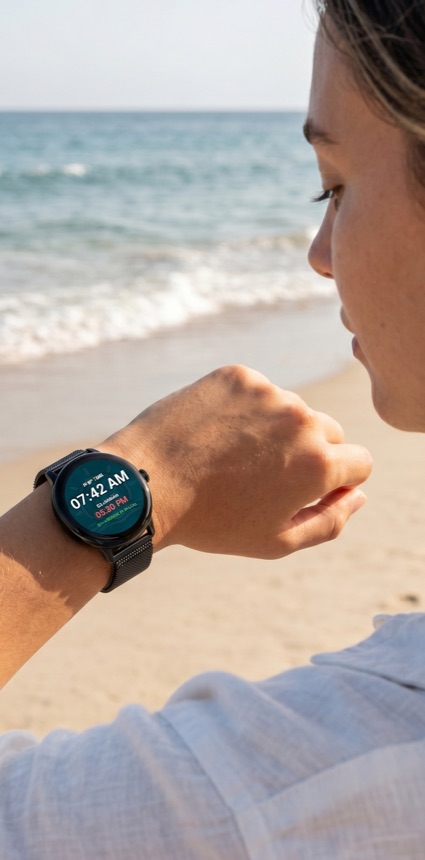
A watch tile with its own synced alarm, a home-screen widget, and an iPhone lock-screen / Always-On countdown.
Packing lists
60+ bundled items grouped by luggage type, plus a What-Not-to-Pack list with cruise-line policy links.
Multi-cruise & import
Plan several cruises, archive past ones, and import a trip by QR code or the Advanced Cruise Planner.
Made for real cruise days.
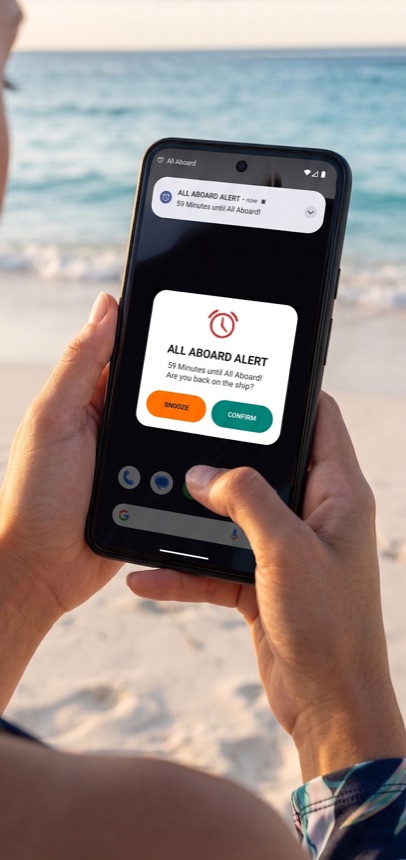
Ship time + a countdown you can trust.
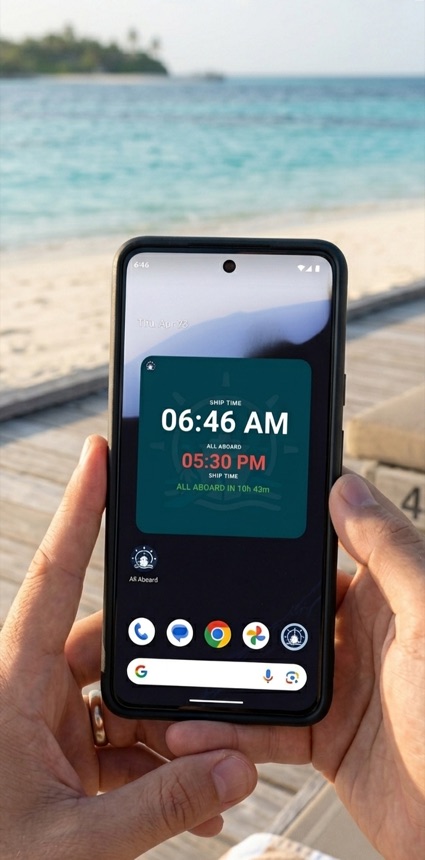
Phones love to grab the local port's timezone — which is exactly how people miss the ship. All Aboard pins the ship's time and counts down to the all-aboard deadline, with an alarm that breaks through Do-Not-Disturb.
- Ship-time clock with a manual timezone offset
- Set the all-aboard deadline per port day
- Loud alarm + lock-screen countdown before departure
Every port day, laid out and on time.
All Aboard maps your sailing day by day — embarkation, each port, sea days, and disembarkation — with the all-aboard time for every stop shown in ship time. Keep several cruises in your library and switch between them in a tap.
- Embark, port days, sea days, and disembark
- Multi-cruise library — archive past sailings
- Import by QR code or the Advanced Cruise Planner
Pack smart — and know what to leave home.
Start from 60+ bundled packing items grouped by luggage type, check them off as you go, and get a sail-morning nudge for anything still unpacked. A What-Not-to-Pack list flags 32 prohibited items with links to each cruise line's policy.
- 60+ packing items, grouped by bag
- What Not to Pack — with cruise-line policy links
- One-tap ship info: deck plans & amenities
How it works
Set ship time
On embarkation day, tap the offset arrows so All Aboard shows the ship's time instead of your phone's.
Set the all-aboard time
Read each port's all-aboard time from your daily cruise program, enter it, and tap LET'S GO.
Explore, stress-free
Watch the countdown on your phone, watch, or widget — and let the alarm get you back to the gangway on time.
Build your itinerary on the web, scan it in.
Use the online cruise builder to lay out your whole trip on a big screen, then send it to the app with a quick scan or a CSV — no account, nothing saved on our servers.
Frequently asked
Is All Aboard really free?
Yes — free to download and use. No account sign-in, no upsell, and no paywall. Just the tools a cruiser actually uses.
Does the alarm get through Do Not Disturb?
Yes. The all-aboard alarm is a loud, full-screen alert — boat bell or horn, with vibration — built to break through Do Not Disturb before the ship leaves. Always cross-check the ship's posted all-aboard time too.
Does it work offline?
Once your cruise is set up, ship time, the countdown, the alarm, your itinerary, and packing lists all work offline.
Does it work on my watch?
Yes — there's a watch tile with its own alarm synced to your phone, plus a home-screen widget and an iPhone lock-screen / Always-On countdown.
How do I add my cruise?
Enter it in the app, scan a shared QR code, or build the whole itinerary with the Advanced Cruise Planner and import it.
Which phones are supported?
iPhone on the App Store and Android on Google Play. The Wear OS watch app installs automatically with the Android app.
Ready to set sail?
Download All Aboard free and never watch the clock again — we'll watch it for you.